

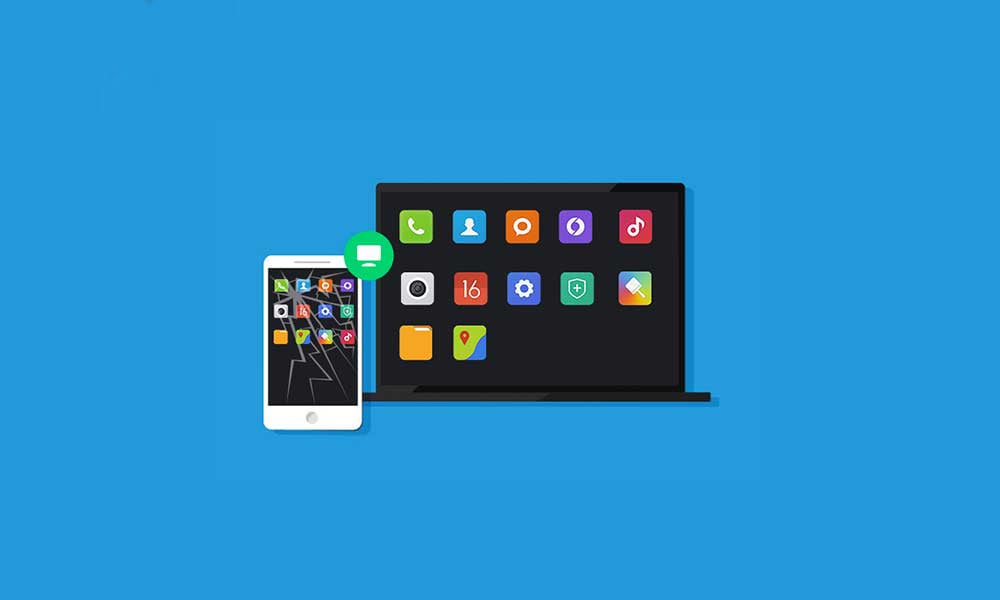
In this article, I will show you how to control an Android phone from your Linux desktop computer using an application called “scrcpy”.
Scrcpy is a free, open-source tool that allows you to display and control an Android phone/device from your computer.
It provides a way to mirror your Android phone screen to your computer screen and enables you to interact with the phone using your computer’s mouse and keyboard. It works on Linux, Windows, and macOS.
Install Scrcpy
On Debian-based distributions, you can install scrcpy using the following command:
apt install scrcpy
Once the installation is complete, make sure to enable developer options and USB debugging on your Android phone.
To enable developer options in Android just go to Settings > System > About Phone and continually tap the build/version number (usually 7 times) until a notification appears. It should prompt you with something like “You are now in Developer Mode“.

Then navigate to “Developer Options” in the Settings menu, and turn on the option for “USB Debugging“.
Connect to Phone via USB
Next, connect your phone to your Linux desktop computer via a USB cable and click “Allow” in Android to confirm the “Allow USB Debugging” dialog. Then run the following command from the terminal to launch scrcpy:
scrcpy

If the command has run successfully, your Android phone screen should appear on the Linux desktop after launching scrcpy.
Connect via WiFi
One of the notable features of Scrcpy is its wireless connection support. By connecting your Android device and computer to the same Wi-Fi network, you can establish a wireless connection, eliminating the need for a physical USB connection.
To establish a wireless connection, use the following command.
scrcpy --tcpip
At this point, you can disconnect the USB cable from the phone and connect via WiFi using the “tcpip” command.

You can see the Android phone screen without using the USB cable. To learn more commands, use “scrcpy --help” in the terminal.
Conclusion
With Scrcpy, you have full control over your Android device using your computer’s mouse and keyboard. It supports multiple operating systems, making it accessible to users regardless of their preferred platform.
Tags: cybersecurity courses/online learning/ skill development/ e-learning/ professional training/ course platform/ career advancement/ certification courses/ modern education/ interactive courses/ flexible learning.